2026-08-15
POV and over-the-shoulder shots in your AI content
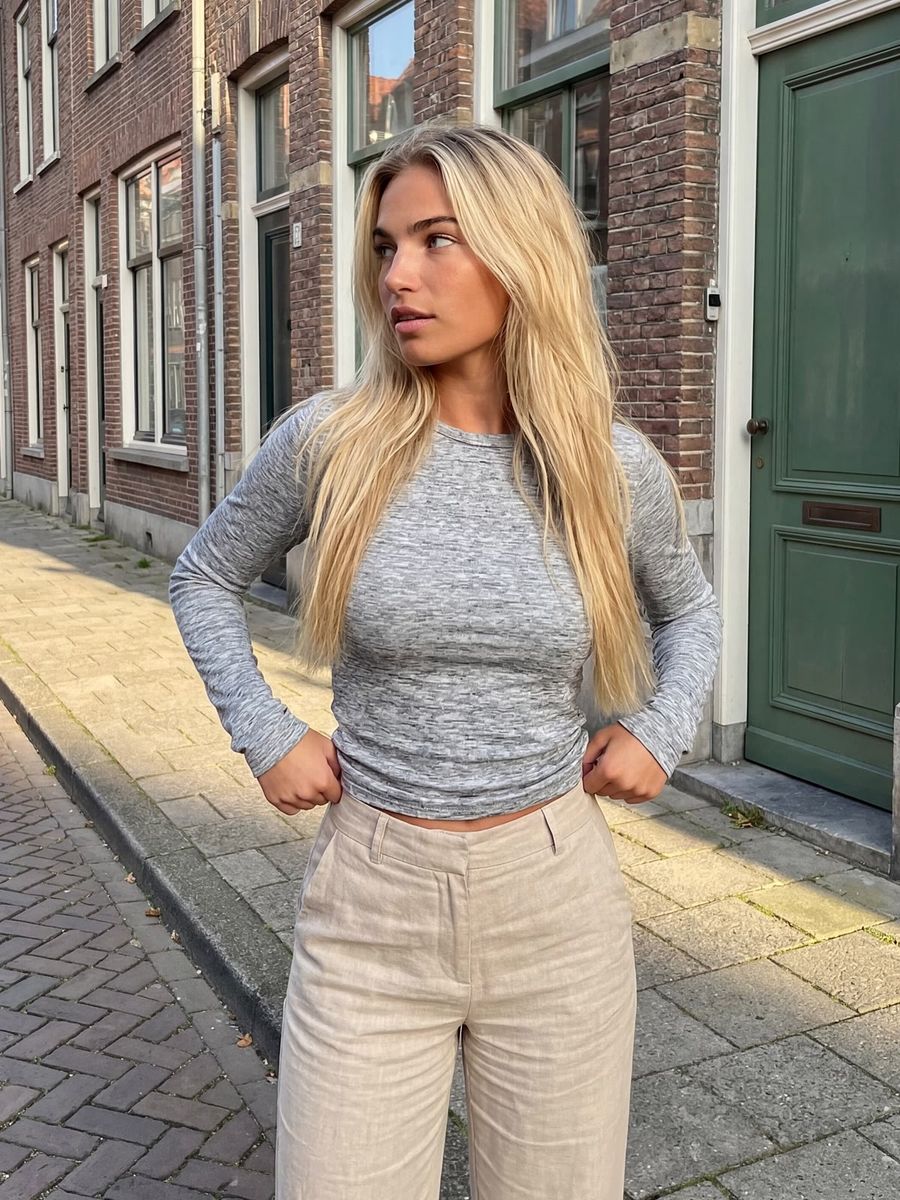
A POV shot shows the scene through your subject's eyes, while an over-the-shoulder shot looks on from just behind a shoulder. Both deliberately pick a viewpoint inside the scene instead of showing it from outside, and that is exactly what pulls the viewer in. In your AI image, they are two of the strongest ways to turn a flat pose into a moment someone seems to be standing in the middle of.
What is the difference between a POV and an over-the-shoulder shot?
A POV shot (point-of-view, or first-person) places the camera where the character's eyes would be, so the viewer sees what that character sees. An over-the-shoulder shot (OTS) sits just behind and beside someone: a shoulder, and sometimes the back of the head, sits blurred in the foreground while the focus lands on the subject behind it.
The difference is one of distance and closeness. POV gives you no buffer at all, you are literally behind the character's eyes. OTS keeps a small gap and lets you look on over someone's shoulder, which works best for a conversation or when someone is looking at something. Both mimic how we actually experience a space: not as a distant onlooker, but as a participant.
Why a wide lens makes a POV shot more immersive
Your lens perspective decides how strongly a shot draws you into the scene. A "normal" lens for full-frame sits around 50mm, close to the 43.3mm diagonal of a 35mm frame, and that perspective roughly approximates what your eye sees, according to the photography literature summarized on Wikipedia. Go wider than that, say 24 to 35mm, and you stretch the space: the foreground comes closer and lines run away faster. That is precisely the look that makes a POV shot feel like you are standing there yourself.
Put this in your prompt too. Call for a wide lens or a short focal length for a POV shot, and a normal to slightly telephoto perspective (say 50 to 85mm) for a calmer over-the-shoulder shot where the faces need to look natural.
When do you pick POV and when over-the-shoulder?
Pick POV when the viewer should "do" something themselves: pull a product out of a box, walk down a street, hold a cup of coffee, peer into a room. It is the viewpoint of vlogs, unboxings and "a day in the life" content, because it turns the viewer into a participant rather than an onlooker.
Pick over-the-shoulder when there is a relationship on screen: two people in conversation, someone looking at a screen or a view, a reaction to something happening further off. The shoulder in the foreground gives the viewer an anchor and makes it immediately clear who is looking at whom or what. For an AI persona, this is a handy way to place your character in a scene without a stiff head-on pose.
How to write a POV shot into your prompt
Put the viewpoint first and be explicit, because without direction a model falls back on an ordinary pose.
- Name the shot: "first-person POV, point-of-view shot, seen through the subject's eyes".
- Describe what is in frame, not who is looking: the surroundings, the object in hand, the hands themselves if visible.
- Add "no face in frame" and "no mirror". Models like to show a face anyway, often via a mirror so they have somewhere to put it.
- Choose a wide lens and an eye-level viewpoint for that first-person look.
Watch the hands. A POV shot often shows your own hands, holding or pointing at something, and hands are still where models go wrong most often. Keep the action simple and render a few variants. If you are not sure how to phrase it, let the prompt generator draft a structured description that you then refine yourself.
How to build an over-the-shoulder shot
An OTS shot lives or dies by its layers: a blurred shoulder in the foreground and a sharp subject behind it. Describe both layers separately, or the model will just put the camera straight in front of your subject.
- Place the camera: "over-the-shoulder shot, camera just behind and above person A's shoulder".
- Name the foreground: "A's shoulder and the back of the head blurred and dark in the foreground, on the left (or right) of the frame".
- Set the focus on the target: "focus on person B, who is looking at A" or "on the screen A is looking at".
- Ask for a shallow depth of field so the foreground stays soft and the eye travels backward.
With two people you run the risk of faces or clothing bleeding into each other. Keep them apart by describing each one separately, with its own features, and render several times until the layers line up. For individual people and scenes, work in the photo generator.
From still to video: POV and OTS in motion
POV and over-the-shoulder often work even better in video than in a photo, because motion strengthens the sense of being there. The simplest route is image-to-video: generate a strong POV or OTS still first, then bring it to life with a small, believable movement.
Keep the camera movement modest. A slight handheld wobble or a slow step forward feels natural for POV, while a big sweep distorts quickly. For an OTS shot, a subtle shift or a small dolly toward the subject works well. Describe the movement in the video generator and keep the rest of the scene calm.
Frequently asked questions
What is the difference between a POV and an over-the-shoulder shot?
A POV shot shows the scene through the character's eyes, without that character in frame. An over-the-shoulder shot looks on from just behind someone's shoulder, with that shoulder blurred in the foreground and the subject behind it in focus.
Why does the model keep adding a face to my POV shot?
Models are trained on countless portraits and tend to show a face anyway, often through a mirror. Put "first-person POV, no face, no mirror" explicitly in your prompt and emphasize what the character sees rather than what they look like.
Which lens suits a POV shot?
A wide lens, such as 24 to 35mm, strengthens the first-person feel because it stretches the space. A normal lens sits around 50mm and looks more neutral, which suits a calm over-the-shoulder shot where faces need to stay natural.
Do POV and over-the-shoulder work in AI video too?
Yes, and often better than in a photo. Generate a still in the viewpoint you want and bring it to life with image-to-video and a small camera movement. Large movements distort quickly, so keep it subtle.
POV and over-the-shoulder are two viewpoints that instantly make flat images more alive, whether it is a single photo or a short clip. Create an account and top up any amount you like to render your first viewpoint shot, you only pay per render.