2026-08-17
Motivated Lighting in AI Photos: Give Light a Source
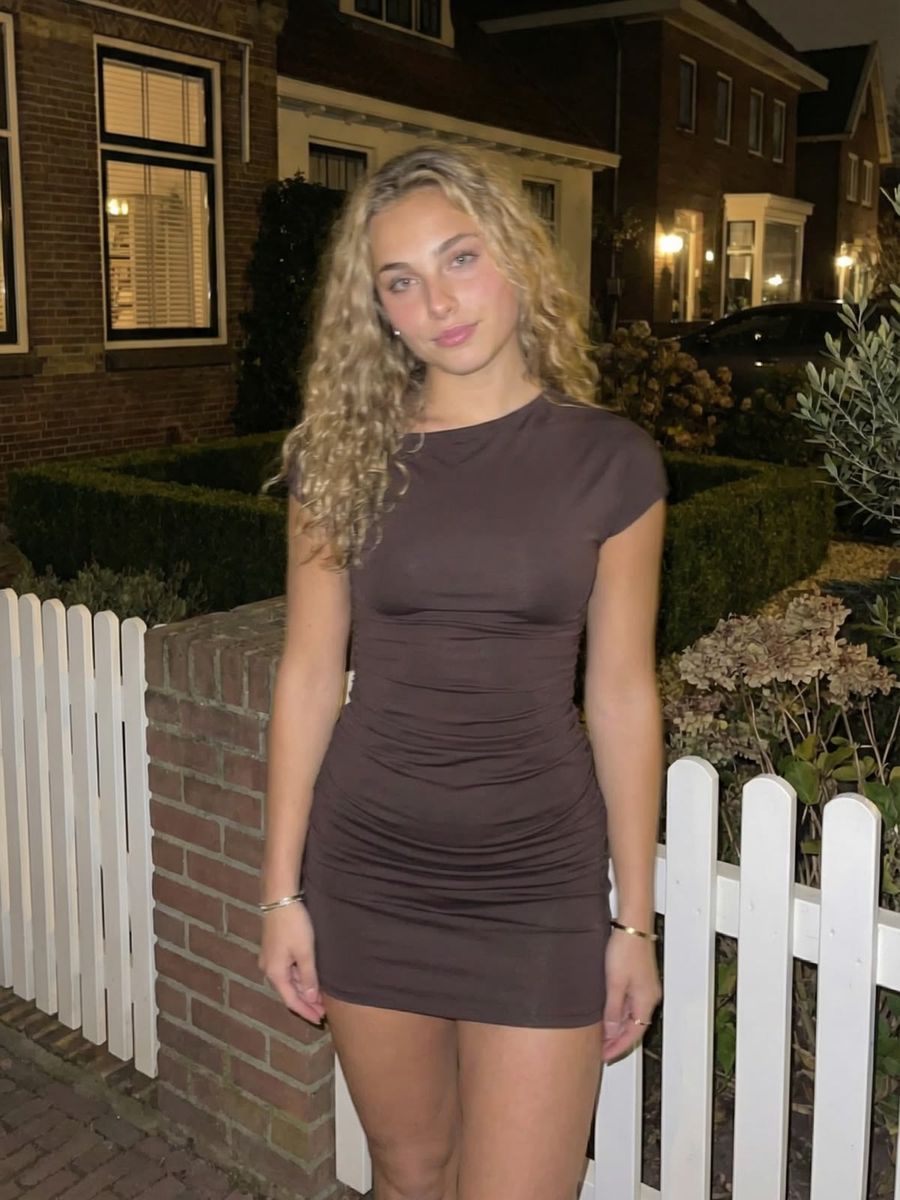
Motivated lighting means the light in your AI image looks like it comes from a believable source: a window, a lamp, a streetlight or a fire. It is often the difference between an image that feels right and one that feels vaguely fake without you knowing why. AI models love to render soft, even light that seems to come from nowhere, and that is exactly what gives your photo away. Below you will learn how to name a source, put it in frame and make it hold up.
What is motivated lighting exactly?
Motivated lighting is light that is justified by a source in the scene, whether that source is visible in frame or only implied. The question you ask yourself is simple: where does this light come from?
There is a small but useful distinction with a related term. Practical lighting is the narrower case: the light source is visibly in the frame, think of a table lamp, a candle or a neon sign. Motivated lighting is the broader principle: a light off screen is fine too, as long as it logically appears to come from a source in the world of your image. As cinematography resource StudioBinder puts it, it is simply "light that can be justified" within the logic of the scene.
Why it makes your AI image more believable
Because every real light inherits a direction and a color from its source, and AI often ignores that link. A model will place a pleasant, soft light on your subject without asking what would cause that light. The result looks clean but floats: there is no source that explains the shadows or the color.
Every source has its own color temperature. A candle flame gives warm light of around 1,850 K, while daylight is cool at around 6,500 K (according to Wikipedia). If you name a candle but the model lights the face a cool white, your brain instantly senses that something is off, even if you cannot put your finger on it. Give the model the source, and it knows which color, direction and hardness belong with it, so the image clicks into place.
Name the source, direction and color in your prompt
Put the source at the center of your prompt and be concrete about three things:
- The source itself: "window light from the left", "a table lamp next to her", "a neon sign behind him", "candlelight on the table".
- The direction: where does the source sit relative to your subject? Side light, backlight and top light each create a different mood.
- The color: let the color match the source. "Warm lamp light", "cool moonlight" or "orange streetlight" push the color temperature the right way.
- How it falls: soft and diffuse (a window with a thin curtain) or hard and directional (a bare bulb, a spotlight).
An example: "portrait at night, warm light from a streetlight upper right, soft shadow on the left cheek, cool blue sky in the background". Now the model knows exactly what story the light should tell. If you get stuck putting it into words, the prompt generator helps you phrase the lighting cleanly.
Put the source in frame with a practical light
If you want it to feel extra believable, place the light source visibly in the frame. A lamp, candle, phone screen or neon sign that glows itself gives the viewer an anchor: the light clearly has its origin right there.
Watch one thing: let your subject's face be lit slightly more strongly than the visible lamp itself. If the lamp glows brighter than everything around it, it reads as a bright blob or decoration rather than the source lighting your scene. So describe not just the lamp, but also the light it casts on your subject. You generate this kind of scene in the photo generator.
Motivated lighting in AI video
In video the source has to stay consistent across all frames, otherwise the light jumps and the illusion falls apart. If your subject moves past a window or a row of streetlights, describe how the light changes with it: darker between the lamps, warm and bright underneath.
Keep the source single and recognizable where you can. Two equally strong lights from different angles, neither with an explainable source, is exactly what makes an AI clip look artificial. One clear, motivated source reads calmer and more stable. You steer this in the video generator by describing the source and the movement together.
Frequently asked questions
What is the difference between motivated and practical lighting?
Practical lighting is a light source that is visible in the frame, such as a lamp or a candle. Motivated lighting is the broader principle that the light appears to come from a believable source, even when that source stays off screen.
How do I name a light source in my prompt?
Name the source, the direction and the color together, for example "warm window light from the left". That way the model knows which way the light falls and which color temperature belongs with it.
Why does AI light sometimes look fake?
Because the model often places pretty, even light without a source that explains it. The shadows and the color then match nothing in the scene, and your viewer senses that even if they cannot name it.
Does this work for AI video too?
Yes, but the source has to stay consistent across frames. Describe one clear source and how the light changes as your subject moves, and the lighting stays stable.
Motivated lighting is one of the cheapest ways to make your AI image instantly more believable: you only change your prompt, not your model. Create an account and test the same scene once with and once without a named light source. You will see the difference right away.