2026-08-17
Steering a believable age in AI portraits
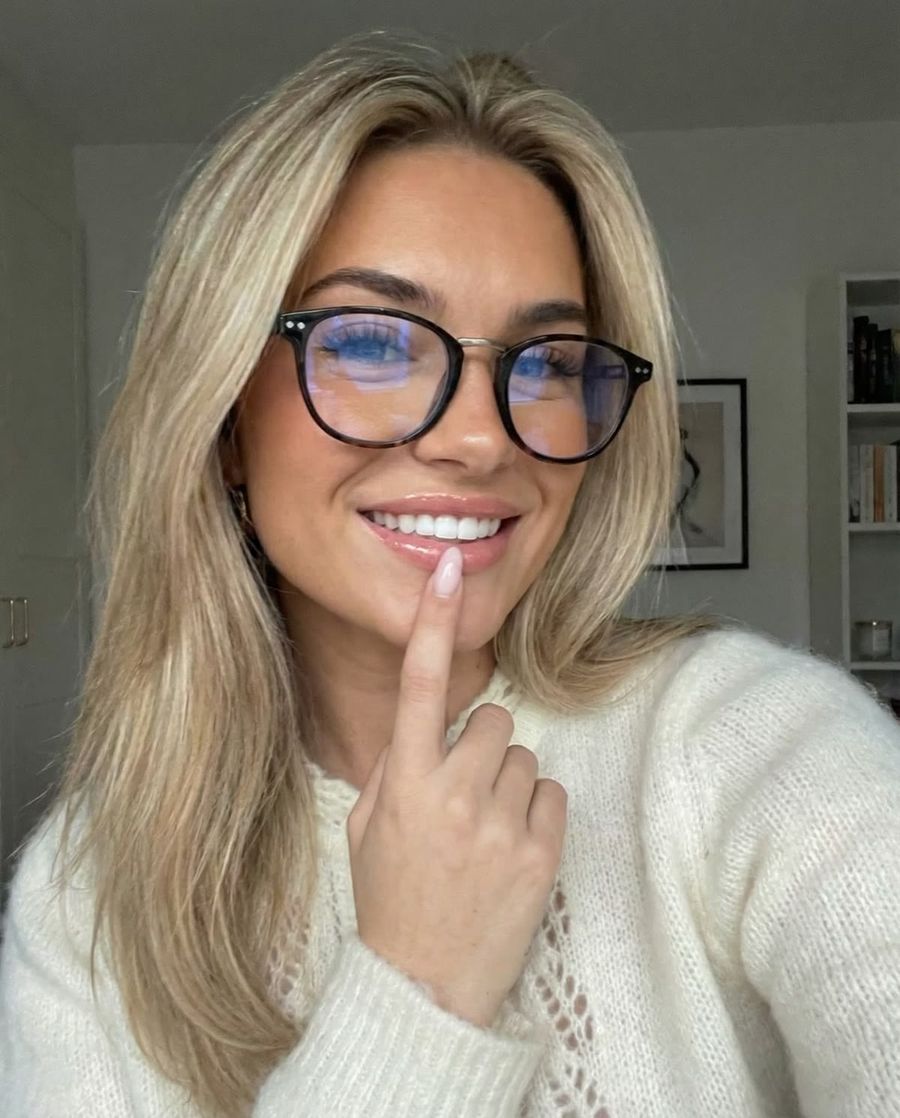
AI image models default to faces that are too young and too smooth, so for a believable age you have to name it explicitly in your prompt. Ask for "a woman" or "a manager" and you almost always get someone around thirty with poreless skin, even when your persona is meant to be forty, sixty or seventy. That isn't chance, it's a built-in preference of the model. Below is where it comes from and how to steer around it.
Why AI defaults to faces that are too young
Models lean young because their training data heavily over-represents young adults. An AI learns faces from the millions of photos it has seen, and those collections barely contain older people. An analysis of 92 public face datasets found that only five included adults aged 65 and over, and just one included the oldest-old (85 and up) (research by Park et al.). What the model rarely sees, it rarely reproduces.
The result has a name: digital ageism, the systematic way AI images under-represent and distort older people. For you as a creator it means one thing: age is not a trait you can leave out and expect to get right by itself. You have to steer it.
What actually makes an age believable?
Age in a face is far more than wrinkles. It lives in a combination of signals that have to line up, and that combination is exactly what a too-young render misses. Think about:
- Skin: texture, pores, fine lines around the eyes and mouth, age spots, less taut skin.
- Structure: volume loss in the cheeks, slightly heavier eyelids, more defined cheekbones.
- Hair: greying temples, a thinner hairline, less shine.
- Beyond the face: hands with visible veins and tendons, the posture, the neck.
Name only "60 years old" and leave out the rest, and the model tends to paste a few wrinkles onto an otherwise young face. That reads as makeup rather than age. The signals have to coincide.
How to name age concretely in your prompt
Give an age or age range plus the cues that go with it, instead of a bare number. The model translates concrete features better than an abstract figure.
- Name a range: "a woman in her early fifties" steers tighter than "older".
- Describe the skin: "natural skin texture, visible pores, fine lines around the eyes".
- Add matching details: greying temples, laugh lines, a nasolabial fold, veins on the hands.
- Avoid words that pull young: "flawless", "glamorous" and heavy "perfect skin" terms push the image back toward smooth and young.
Watch for one stubborn pattern: models keep women younger than men. A study of more than a hundred AI images found that women were rendered young and wrinkle-free, while men were "allowed" to have wrinkles (The Conversation). If you're building an older female persona, be extra explicit about age cues; the model is working against you here. Stuck on the wording? The prompt generator helps you phrase the cues cleanly for the photo generator.
Keep the age consistent across a series
Across multiple renders the age drifts: the same persona looks forty-five in one image and thirty in the next. Prevent that by not re-describing from scratch each time, but working from a fixed reference. Use a strong reference photo of the face and keep exactly the same age terms in every prompt.
If you're working on video, this counts double: within a single clip the face must not grow younger the moment it moves or the light changes. Describe the age cues in your video generator prompt too and lean on your reference image, so the skin and the lines stay stable.
Fix a result that came out too smooth
Only the skin came out too smooth, but the rest is right? Then you don't have to regenerate. With inpainting you select just the face or a part of it and have it refilled with more texture and lines, while the composition and the rest of your image stay intact. That saves renders: you correct in a targeted way instead of rerunning the whole photo. Because you pay per edit and not per month, a targeted fix like this costs you very little.
Frequently asked questions
Why does AI make my character younger than I asked for?
Because the training data heavily over-represents young adults, the model defaults to young, smooth faces. If you don't explicitly ask for age cues, it fills in the "average" young version.
How do I make a face look older without it turning fake?
Combine signals that line up: skin texture, fine lines, volume loss, greying hair and matching hands. One set of wrinkles on an otherwise young face reads as makeup; the cues have to coincide.
Why is an older woman harder than an older man?
Models demonstrably keep women younger and smoother than men. So with female personas, be extra explicit about age cues and avoid words like "flawless" or "glamorous" that pull the image back toward young.
Should I give an exact age or a range?
A range with concrete cues works better than a bare number. "Early fifties, natural skin texture, greying temples" steers more reliably than "50 years old" alone.
A believable age is purely a matter of steering: you change your prompt, not your model. Create an account and test the same persona once with and once without named age cues. You pay per render, no subscription, so a few comparison tests cost you next to nothing.