2026-08-10
Why one color can tint your whole AI image
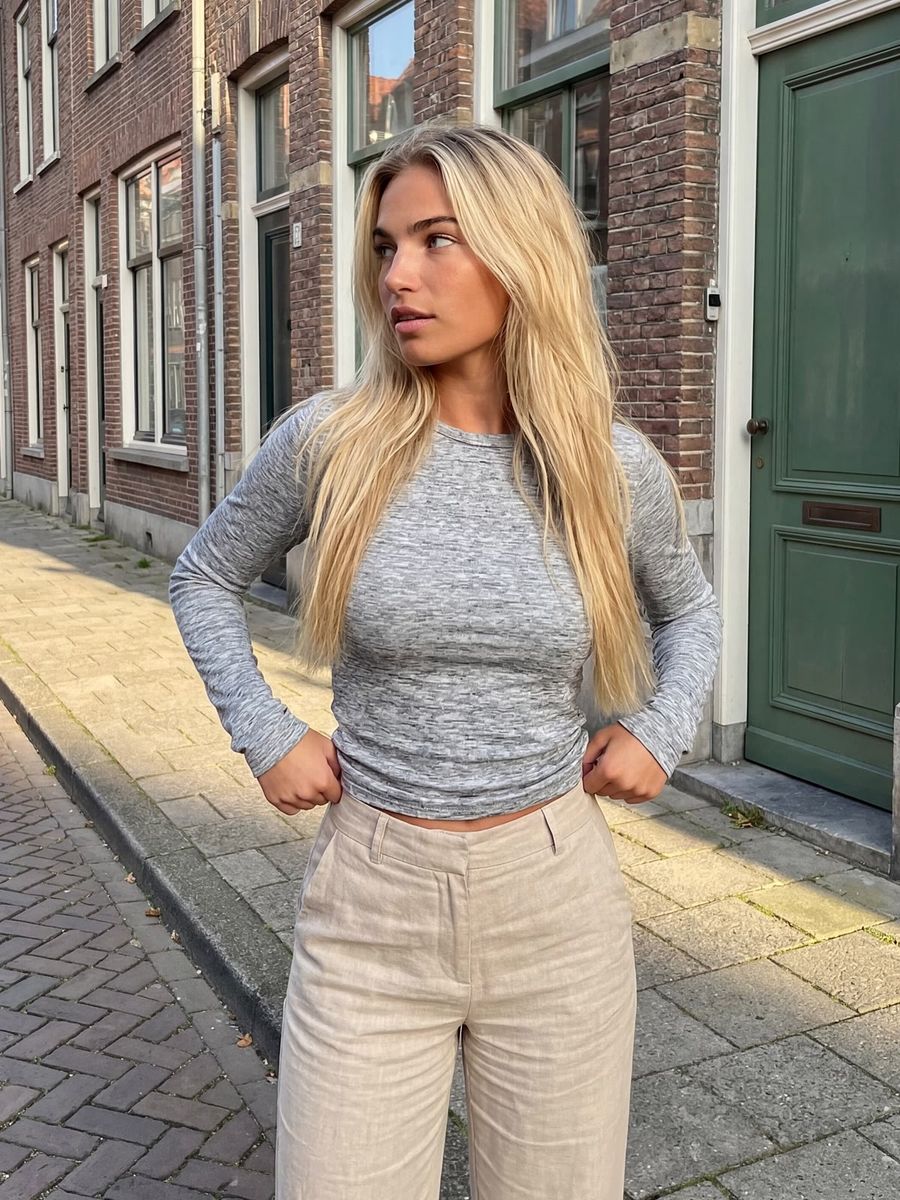
Attribute leakage, sometimes called color bleeding, is the error where an attribute you gave to one subject, such as the color of a coat, spreads across the rest of your AI image, so the background, the light or another subject picks up the same tint. You ask for a red coat and get a scene with a red glow over everything, or a second subject that suddenly turns red too. You keep an attribute on the right subject by binding the color directly to that subject, describing the surroundings separately, keeping your prompt short, and correcting any spillover in a targeted way. Below you'll read what goes wrong, when the risk is highest, and how to keep a color inside its boundaries.
What exactly is attribute leakage?
Attribute leakage is when an attribute doesn't stay on the intended subject but bleeds into the surroundings or onto another subject. It usually involves color, but a material ("marble"), a texture ("rough") or a fabric ("leather") can leak in the same way.
There are two flavors. In the first, the attribute leaks into the background or the light: your red coat gives the whole scene a red cast. In the second, the attribute jumps to another subject: "a red coat and a blue bag" turns into two red items, or the colors swap. Both come from the same cause: the model doesn't draw a hard boundary around the subject the attribute belongs to.
Why does a color spread across the whole image?
Because during generation the model makes no sharp separation between "the coat" and "the rest of the image." An AI model spreads its attention across the words in your prompt through cross-attention, but that attention has no built-in spatial boundary. Without such a boundary, the activation for "red" can smear across a larger area than just the coat.
A second cause sits in the text itself. The text encoder squeezes your entire prompt into a fixed number of tokens, which can entangle separate concepts. As a result, "red" doesn't stay neatly attached to "coat" but also colors neighboring concepts.
Research shows how stubborn this is. In the study SynGen (NeurIPS 2023), the underlying model Stable Diffusion bound nearly 69% of attributes incorrectly (68.57%) on a challenging test set with multiple colored subjects; on more natural sentences it was lower, around a quarter (27.20%). The study Attend-and-Excite (SIGGRAPH 2023) names "incorrect attribute binding," where a color sticks to the wrong subject, as one of the two classic failure modes of text-to-image models. In short: a color that spreads isn't a fluke, but a known weakness.
When is the risk of color leakage highest?
The risk is highest with strongly saturated, striking colors and with multiple colored subjects in one image. The brighter the color and the busier the scene, the more easily the tint spills over.
You run the most risk with:
- Bright, saturated colors like vivid red, neon or bright yellow, which color the surroundings faster than muted tints.
- Multiple colored subjects, such as "a red coat and a green scarf," where the colors can bleed into each other or swap.
- Vague or short cues like "someone in red," where it isn't clear which part should be red.
- Busy prompts with many mood words, where the color is one concept among dozens of others and loses its anchor.
How to keep a color on one subject
The best control is to bind the color directly to the noun and to name the color of the surroundings separately, so the model knows where the tint stops.
- Bind the color right next to the subject. Write "a woman in a red wool coat" instead of "red, a woman with a coat." The closer the color sits to the noun, the stronger the binding.
- Give the surroundings their own color. State a different tint for the background explicitly: "against a grey concrete wall, neutral daylight." A named background color leaves less room for a cast.
- Give each colored subject its own place. "A red coat on the left, a blue bag on the right" separates the colors spatially, so they don't land in the same spot.
- Name the material too. "Red wool" or "red leather" anchors the color to a surface, which helps keep it there instead of in the air.
- Keep your prompt short and focused. Cut mood words that add nothing. The less noise, the better the color stays attached to its subject.
Then test small. Generate one image, check that only the intended subject carries the color, and adjust your prompt before running a whole batch. If you want to build subject, color and surroundings as cleanly separated blocks, the prompt generator helps you hold that structure.
What if the color spreads anyway?
If you see a cast over the whole scene or a second subject in the same tint, targeted intervention is faster than repeating the same prompt.
- Change the seed and boost the contrast. Give the background a clearly different color and generate again with a different seed. Often more contrast is enough on its own.
- Name the neutral background explicitly. Add "neutral, uncolored background" or a concrete alternative tint, so the model has a destination for the rest of the image.
- Fix the tint with inpainting. In the photo editor, select the spilled area and repaint only that part in the correct color, keeping the rest intact.
- Build in layers. Generate the subject first in the photo generator and add colored elements afterwards in a targeted way, instead of forcing everything at once.
Because you pay per render and per edit, a targeted correction costs you just that one extra step, instead of running ten full new images hoping the color will finally stay where it belongs.
Frequently asked questions
What is attribute leakage or color bleeding?
It's the error where an attribute you gave to one subject, such as a color, material or texture, spreads into the background or onto another subject. A red coat then gives the whole scene a red cast, for example, or a second object picks up the same color.
Why does a bright color spread more easily?
Strongly saturated colors like vivid red or neon have a bigger influence on the image and therefore cross their boundary more easily. Muted, less saturated tints stay put more often on the subject you bound them to.
Does adding "no red glow" or "neutral background" help?
Naming a neutral background explicitly often does help, because you give the model a clear destination for the rest of the image. A bare negation like "no red glow" works less reliably; positively steering the color the surroundings should have works better.
How do I fix a color cast afterwards?
Use inpainting: select only the spilled area and repaint that part in the correct color, while the rest of the image stays intact. That's faster and cheaper than generating a completely new image.
Color leakage is annoying but very steerable: bind the color to the subject, give the surroundings their own tint, and correct in a targeted way instead of regenerating blindly. Create an account and test it on your next image with a striking color.